Configuring Kiosks
Before you begin
-
You must determine the IP address of the computer used for the kiosk.
-
If you are an ISCorp customer, and you wish to use a local IP address for your kiosk, your organization's network administrator must use static Network Address Translation (NAT) mapping on your network. Map the kiosk machines' local IP addresses to a public IP address that is not used by other devices. That public IP address is the one you will use when configuring the kiosk in Skyward.
-
-
Complete the appropriate fields.
Step Information
Required fields are identified with an asterisk. You must complete required fields before you can save your work.
-
Enter the IP Address of the computer that will be used
for this kiosk.
Step Information
If you identify a computer by its IP address as a kiosk, the system will use the IP address to validate that computer's security access to run a kiosk, such as a tardy kiosk. This enables you to launch the kiosk directly from the login screen without needing to enter a username and password.
In the image below, the Tardy Kiosk login screen displays after the Go to Kiosk System option is selected on the sign in page for a computer that has the IP address entered on the Kiosk Details screen of the System module.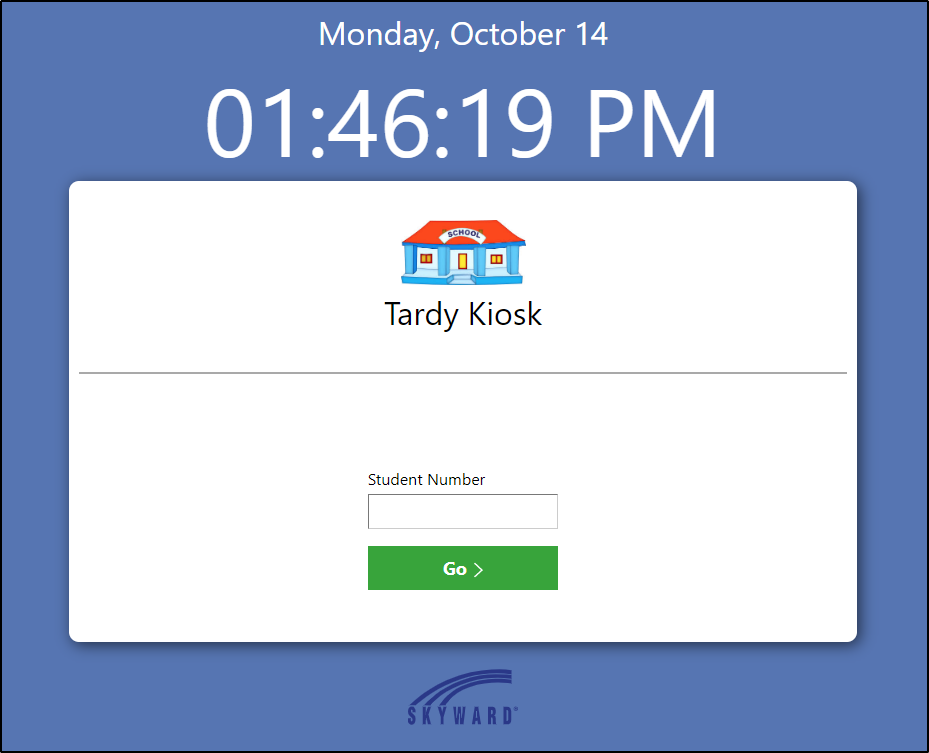
-
Enter the IP Address of the computer that will be used
for this kiosk.